OpenClaw 2026.4.11
อ่าน Release Notes ต้นฉบับ: GitHub Releases | Docs
ฟีเจอร์ใหม่ที่สำคัญ
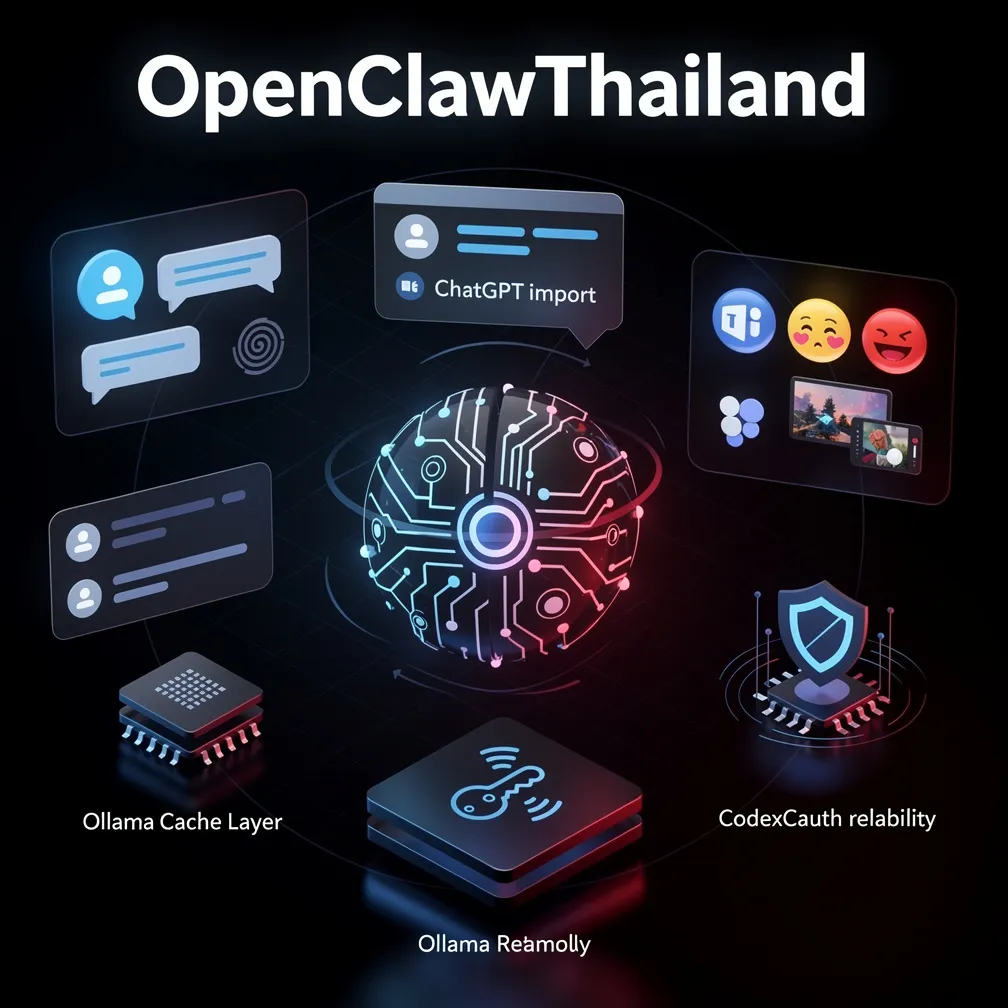
🧠 Dreaming/memory-wiki — นำเข้า ChatGPT History
ฟีเจอร์ใหม่ที่คนรอมานาน! ตอนนี้ Dreaming สามารถ นำเข้าประวัติ ChatGPT ได้โดยตรง:
# Export ประวัติจาก ChatGPT (.json) แล้วนำเข้า OpenClaw
openclaw memory import --source chatgpt --path ~/Downloads/conversations.json
Diary subtabs ใหม่ 2 แท็บ:
| Subtab | แสดงผล | |--------|--------| | Imported Insights | สิ่งที่ Dreaming สกัดมาจาก imported chats | | Memory Palace | Compiled wiki pages + full source pages |
ช่วยให้คุณเห็นว่า Dreaming เอาอะไรจาก ChatGPT history ไป build เป็น memory ได้บ้าง — โดยไม่ต้องพิมพ์ซ้ำ
💬 Control UI/WebChat — Media Bubbles และ [embed ...] Tag
WebChat ใหม่แสดง responses ได้หลากหลายกว่าเดิมมาก:
- 🖼️ รูปภาพ → Image bubble
- 🎵 เสียง → Audio player bubble
- 🎥 วิดีโอ → Video bubble
- 🗣️ Voice TTS → Playback bubble
[embed ...] Rich Output Tag ใหม่:
[embed https://example.com/dashboard]ฝัง external content ใน chat ได้เลย (ต้องเปิดใน config ก่อน เพื่อความปลอดภัย)
{
  "channels": {
    "webchat": {
      "allowedEmbedUrls": ["https://yourdomain.com"]
    }
  }
}
🎬 Tools/video_generate — URL Delivery และ Options ใหม่
Video generation ตอนนี้รองรับ:
{
  "providerOptions": {
    "quality": "1080p",
    "style": "cinematic"
  },
  "referenceAudio": "https://example.com/music.mp3",
  "aspectRatio": "adaptive"
}- URL-only delivery — รับ URL แทนที่จะดาวน์โหลด binary ลงเครื่อง
- Typed
providerOptions— type-safe options per provider - Reference audio inputs — ใส่ audio reference สำหรับ video generation
- Per-asset role hints — บอก provider ว่า asset แต่ละชิ้นมีบทบาทอะไร
adaptiveaspect-ratio — ให้ provider เลือก ratio ที่เหมาะสมเอง- Higher image-input cap — รับรูป input ได้หลายรูปขึ้น
💼 Microsoft Teams — Reactions
Teams ตอนนี้รองรับ reactions เต็มรูปแบบ:
# ใส่ reaction บน message
/teams react [message-id] 👍

# ดู reactions บน message
/teams list-reactions [message-id]- Graph API pagination สำหรับ large conversations
- Delegated OAuth setup สำหรับ sending reactions
- คงสิทธิ์ application-auth read paths ไว้
🦙 Ollama — Cache Model Metadata
ปัญหาเดิม: ทุกครั้งที่ refresh model picker, OpenClaw จะ fetch /api/show ใหม่ทั้งหมด
ตอนนี้แก้แล้ว — cache ข้อมูล /api/show ไว้:
Context-window size → cached
Capability flags → cached
Available models → cached + invalidate เมื่อ digest เปลี่ยน
ผล: Model picker เร็วขึ้นอย่างเห็นได้ชัด โดยยังรองรับ auto-refresh เมื่อ model เปลี่ยน
🔌 Plugins — Activation & Setup Descriptors
Plugin manifests ตอนนี้ประกาศ activation และ setup descriptors ได้:
{
  "manifest": {
    "activation": {
      "required": ["MY_API_KEY"],
      "optional": ["MY_WEBHOOK_URL"]
    },
    "setup": {
      "description": "ต้องการ API key จาก dashboard.example.com",
      "steps": [...]
    }
  }
}
ช่วยให้ core ไม่ต้อง hardcode setup flow ของแต่ละ plugin อีกต่อไป
🔬 QA/Parity — GPT-5.4 vs Opus 4.6
เพิ่ม parity report gate ใหม่:
# เปรียบเทียบ behavior ระหว่าง GPT-5.4 และ Claude Opus 4.6
openclaw qa parity --models gpt-5.4,opus-4.6- Shared scenario coverage checks
- Stricter evidence heuristics
- Skipped-scenario accounting สำหรับ maintainer review
🔧 Fixes สำคัญ
🔑 OpenAI/Codex OAuth — แก้ invalid_scope Error
ปัญหา: Codex sign-in ใหม่ fail ด้วย invalid_scope ก่อน return authorization code
สาเหตุ: OpenClaw เขียนทับ upstream authorize URL scopes โดยไม่ได้ตั้งใจ
แก้แล้ว: ไม่ rewrite scopes อีกต่อไป — Codex sign-in ใหม่ทำงานได้ปกติ
🎙️ Audio Transcription — Groq, Mistral, OpenAI ทำงานได้อีกครั้ง
ปัญหา: Pinned DNS ที่เพิ่มมาเพื่อ security กลายเป็น disable audio transcription ทั้งหมด
แก้แล้ว: Disable pinned DNS เฉพาะ OpenAI-compatible multipart requests — providers อื่นทำงานปกติ
✅ OpenAI Whisper — ทำงานได้
✅ Groq Whisper — ทำงานได้
✅ Mistral transcription — ทำงานได้
🎤 macOS/Talk Mode — เปิดใช้ครั้งแรกไม่ต้อง toggle สองครั้ง
ก่อนหน้า: กด enable Talk Mode ครั้งแรก → ระบบขอ microphone permission → ต้อง toggle อีกครั้งถึงจะเริ่มได้
ตอนนี้: ให้ permission ปุ๊บ → Talk Mode เริ่มได้เลย ✅
🗨️ Control UI/WebChat — TTS Audio ใน History
ก่อน: Audio replies หายไปเมื่อ reload chat history
ตอนนี้: Audio replies persist ใน webchat history ✅
Plus: Tool card pairing ยังคงถูก attach กับ message ที่ถูกต้อง แม้มี mixed tool output
📱 WhatsApp — Default Account Fix
ปัญหา: ถ้าตั้งชื่อ default account เช่น myphone OpenClaw จดชื่อว่า default แทน
แก้แล้ว: ใช้ configured default account name อย่างถูกต้อง
🤖 ACP/Agents — ไม่ Leak Commentary ไปใน Parent Session
Commentary chatter จาก child agent ระหว่าง planning phase ไม่รั่วไปใน parent session stream อีกต่อไป — user เห็นเฉพาะ output จริงๆ
⏱️ Agents/Timeouts — Honor Explicit Run Timeouts
{
  "agents": {
    "defaults": {
      "timeoutSeconds": 300
    }
  }
}
LLM idle watchdog ตอนนี้ respect ค่า timeout ที่ตั้งไว้จริงๆ — โมเดลช้าทำงานได้จนครบ configured limit
⚙️ Config — asyncCompletion Schema Fix
{
  "agents": {
    "asyncCompletion": true
  }
}
ก่อนหน้า: config นี้ fail ด้วย unrecognized-key error แม้จะ documented แล้ว
แก้แล้ว: เพิ่มเข้า generated zod schema แล้ว ✅
🎬 Google/Veo — ส่ง Request ถูกต้อง
ลบ field numberOfVideos ที่ Gemini Developer API ไม่รองรับออก — Veo runs ทำงานได้เต็มรูปแบบอีกครั้ง
💬 Telegram/Sessions — Topic Sessions ไม่สับสนกัน
ก่อน: topic session สลับระหว่าง bare path กับ topic-qualified path
ตอนนี้: ใช้ canonical topic transcript path เสมอ ✅
Fix นี้ช่วย Telegram groups ที่ใช้ topics (supergroups)
🔄 Agents/Failover — Cross-provider Retry ถูกต้องขึ้น
Fallback classification และ provider errors ตอนนี้ scope ไปที่ current attempt เท่านั้น — ไม่ inherit failure จาก provider ก่อนหน้า
🔐 MiniMax/OAuth — openclaw configure แก้ Auth Routing
openclaw configure
# เลือก MiniMax portal
# → ตอนนี้ write api: "anthropic-messages" + authHeader: true ให้อัตโนมัติ
Re-authenticated portal setups ไม่ต้อง hand-edit config อีกต่อไป
วิธีอัปเดต
# npm
npm update -g openclaw

# pnpm
pnpm update -g openclaw

# ตรวจสอบเวอร์ชัน
openclaw --version
# OpenClaw 2026.4.11
สรุปสิ่งที่ต้องรู้
| หัวข้อ | สิ่งที่เปลี่ยน | |--------|--------------| | ChatGPT users | import ประวัติ ChatGPT เข้า Dreaming ได้แล้ว | | Codex users | sign-in ใหม่ใช้งานได้ปกติ (แก้ invalid_scope) | | Audio transcription | Groq และ Mistral ทำงานได้อีกครั้ง | | macOS/Talk Mode | enable ครั้งแรกไม่ต้อง toggle สองครั้งแล้ว | | Ollama users | model picker เร็วขึ้นจาก caching | | Microsoft Teams | ใช้ reactions ใน Teams ได้แล้ว | | Telegram (topics) | topic sessions ไม่สับสนกันอีกต่อไป | | asyncCompletion | config ทำงานได้ปกติแล้ว (ไม่ unrecognized) |
*ขอบคุณ contributors กว่า 15 ท่านรวมถึง: @vincentkoc, @velvet-shark, @ggarber, @jalehman, @ngutman, @GodsBoy, @mcaxtr, @yhyatt, @xieyongliang, @obviyus, @ImLukeF, @stainlu, @bittoby, @100yenadmin, @fuller-stack-dev และอีกหลายท่าน 🙏*